vCard is a popular file format that is used to store contact information, and some users have a query on how to convert vCard (VCF) to MSG format. Are you also looking for a solution to this query? If yes, then you landed on the right page. In this blog, we have explained an automated method to convert vCard (VCF) to MSG format.
Overview
vCard(VCF): vCard(VCF) is the file format that is used to store first name, last name, email address, phone number, etc. This file format is used in multiple devices like Android phones, iPhones and in many email clients. The vCard(VCF) file is used to import contacts on multiple devices.
MSG: MSG is the Outlook file format used to store individual email messages, contacts, calendar, tasks, notes, etc. It is used in archiving, backing up, and sharing messages.
Both vCard and MSG format stores contacts of users but work differently. In some situations, users need to convert vCard to MSG format.
Read also
How to Convert Multiple VCF to PST format?
How to Convert vCard to CSV Excel in Bulk?
Smart and automated solution to convert vCard to MSG format
The smart and effective solution to convert vCard to MSG format is to use eSoftTools vCard Converter software. With a few clicks, you can easily convert vCard files to PST, CSV and MSG files. Moreover, it has an intuitive and user-friendly graphical interface that navigates the whole process easily and quickly.
Key features
- Can convert vCard files to Excel CSV/ Outlook PST/ Outlook MSG in bulk.
- Preview all information in the vCard file in the preview panel.
- Don’t alter thcontact e folder structure and contact information during conversion.
- All fields of contact information such as First Name, Last Name, Addresses, email addresses, Photos & Images converted to Outlook PST with ease.
- All MS Outlook editions are supported, like MS Outlook 2019, 2016, 2010, 2007 and older versions.
- It converts vCard files of any language, it supports multilingual language vCard files for conversion.
Step-by-step approach to convert vCard to MSG format
Download, install, and launch eSoftTools vCard Converter software in your system.
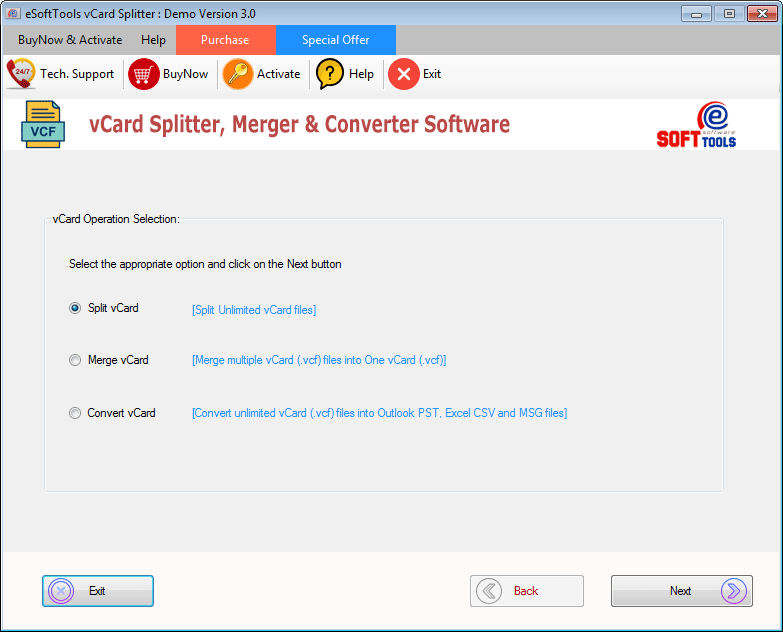
Select the Convert VCard option and click the Next button.
Select one of the vCard file adding options
- vCard file mode – For single vCard file addition.
- vCard Folder mode– For bulk vCard folders addition.

Browse the vCard file location on your computer and select it.

Preview the vCard files and folders in the tree structure in the side panel and select files/folders that are needed to be converted.

Choose the conversion option Export in MSG from the available options.
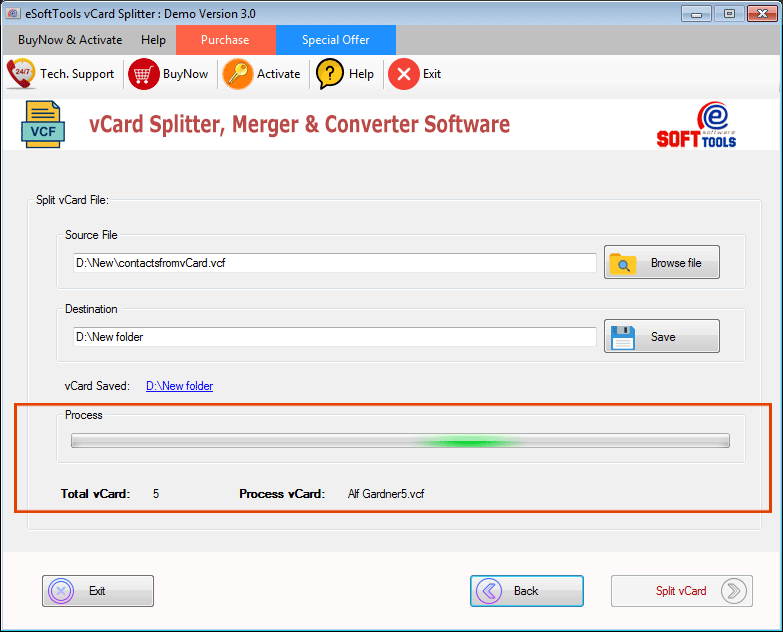
Select the desired location to save the resultant MSG file in your system.

Click the Convert vCard button and start the conversion process.
Conclusion
Converting vCard to MSG format is not an easy task, but we have described here an automated and reliable method for doing so. With this tool, you can easily convert vCard files to MSG format without any data loss and with 100% accuracy. In the demo version, you can convert 5 vCard contacts to MSG format free of cost, and if you want to use it further, you can purchase the software.


No Comments yet!